Originally published on the GRID blog.
With the rise of low-code products, many have realized that not only are spreadsheets programs, but the syntax that today’s spreadsheet software uses for formulas is the most used programming language in the world.
Microsoft is doubling down on this, expanding the use of the Excel formula language across many of their products, including Power Apps and other products in their Power Platform.
Not surprisingly, many of the “next gen spreadsheet” products — despite their various different approaches and use-cases — also make use of the Excel formula language. The familiarity to most users, lowers the barrier to entry for new users getting started with these products. Our product, GRID, is one of them.
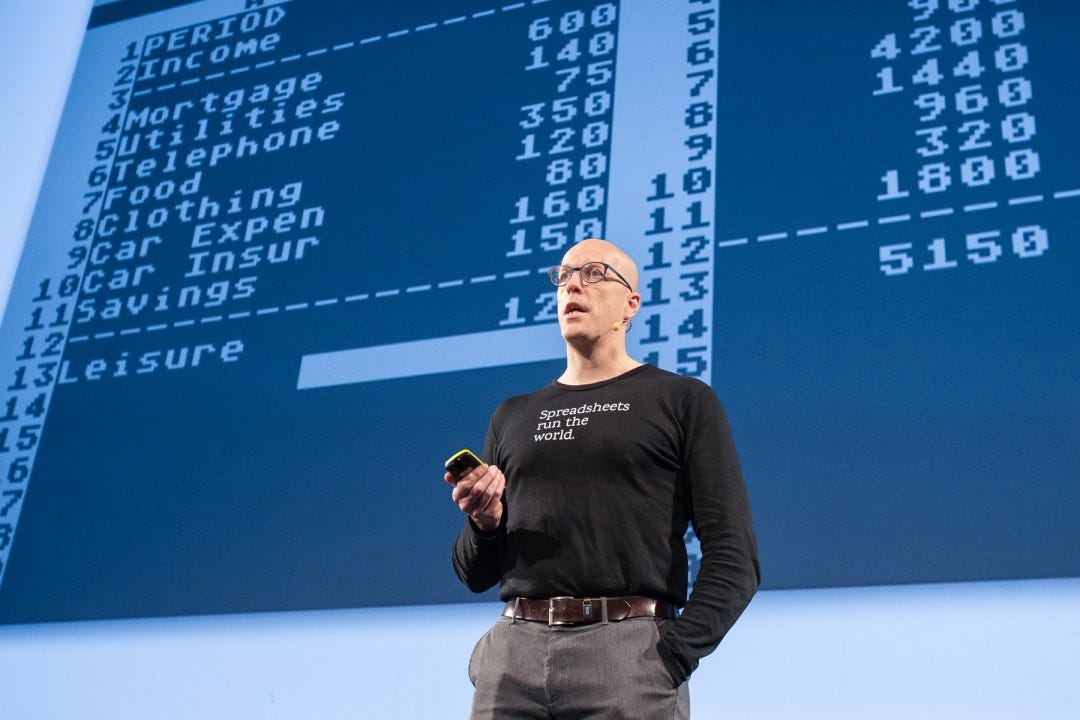
This topic came up recently on a call with our advisor, Dan Bricklin (the “father of the spreadsheet” and inventor of the original one, VisiCalc), and we began talking about the pros and cons of the Excel formula language as a programming language. The conclusion was that as a programming language, it’s not that good at all. The syntax is often cumbersome and the readability is not good.
This is exaggerated by the fact that the user interface defaults to a single-line input for even the most complicated formulas. In fact, one way to recognize a power-user of Excel is by the multiple lines showing by default in their formula bar, as seen in this example from Exceljet:

It’s all in the grid
Despite the shortcomings there is a clear benefit in the familiarity, but is there possibly more to it than merely the formula syntax?
Spreadsheets are programming environments where you encode logic in relationships between constants and variables that live in cells in a 2-dimensional space, rather than encoding it in lines that get executed sequentially.
The fact that you can so easily break your calculations into multiple steps that show intermediate results at a glance makes it a lot easier to understand what’s going on and ensure the calculations are correct. In spreadsheets, even loops are “unwound” showing all of the values at each step of the way through, usually row by row using relative references. These characteristics allow you to “offload” your thinking to the spreadsheet as your thinking evolves.
More traditional programming languages require the programmer to maintain a complex mental model of the logic in their head while typing it all out and don’t show any of the intermediary results until you run the program. And even then, they only do so if you manually instrument your environment or code for that purpose.
These characteristics of the spreadsheet as a programming environment lower the bar for new users, and allow experienced spreadsheet “developers” to effortlessly and organically grow models that would entail significant complexity were they developed in any other environment.
The spreadsheets’ real power therefore lies primarily in the cells, the grid and the ability to break the calculations up into arbitrary steps — not merely in the formula syntax.
The decision to use the Excel formula language and syntax in these new low-code environments is not wrong, but many of us — including Microsoft itself — seem to overlook what really empowers spreadsheet developers: The spreadsheet grid itself.
—
Hjalmar Gislason is the founder and CEO of GRID — the new face of spreadsheets. You can share your comments with him below or on Twitter @hjalli