Originally published on the GRID blog.
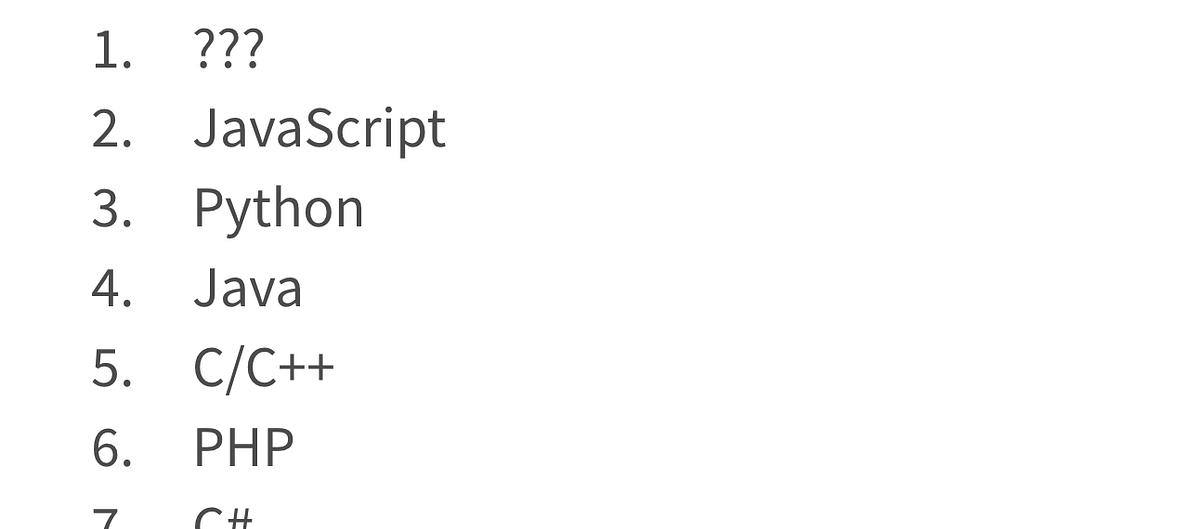
It’s the formula language used in today’s spreadsheets. And this article explains why it deserves to be called “Excel formula language”.
Before you read on: If you don’t think of spreadsheets as programs, read this.
The syntax and conventions in today’s spreadsheet formulas bear a lot of resemblance the syntax, invented by Dan Bricklin and introduced with VisiCalc in 1979. But it is not the same language.
For example: To save memory, VisiCalc determined the “data type” simply from the first character in the value:
A-Z= label0..9or+= value or formula
Also, functions were preceded with an @-symbol (e.g. @SUM) and ranges were signified with a … instead of a : (B2…B10instead of today’s B2:B10)
Other than that, VisiCalc formulas look a lot like the spreadsheet formulas we know today.

The A1 notation, the parenthesis enclosing the function parameters, even some of the functions are exactly the same. A big reason for this is backwards compatibility.
Fun fact: The A1 and even the all-important spreadsheet grid itself was an afterthought to Bricklin’s original idea of a “electronic blackboard”, introduced to automatically assign variable names to values on the board. See Dan explain in his excellent TED talk from a few years ago:

From VisiCalc to Lotus 1–2–3 to Excel to Google Sheets, no new spreadsheet software has been successful without users being able to use their existing spreadsheet files and know-how in the new software.
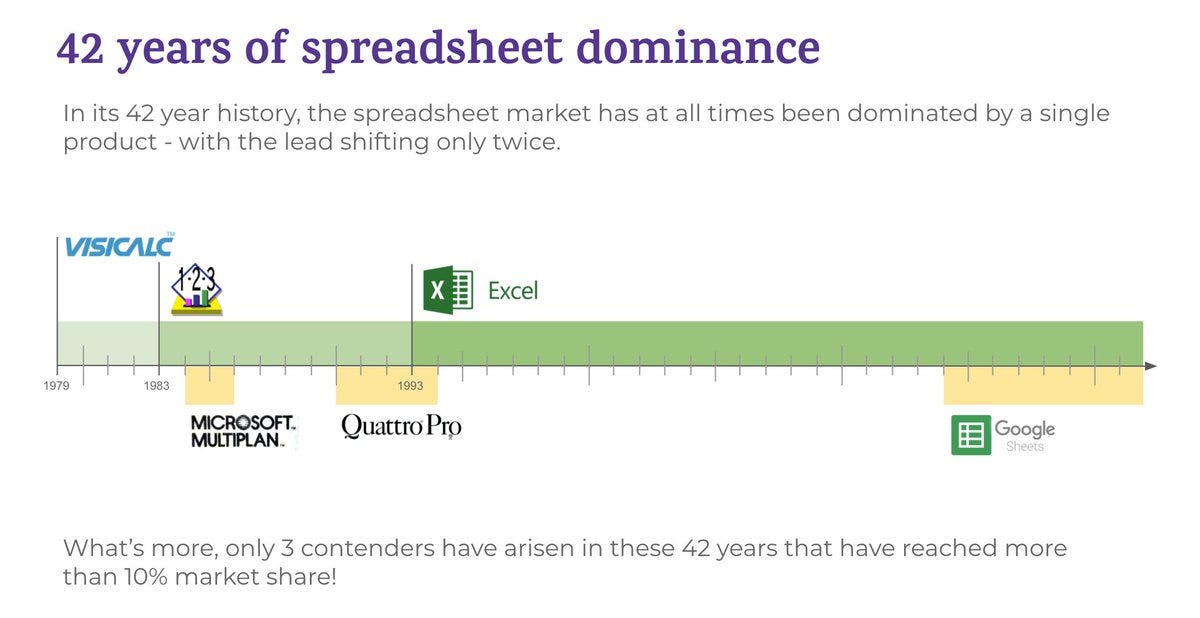 Original here.
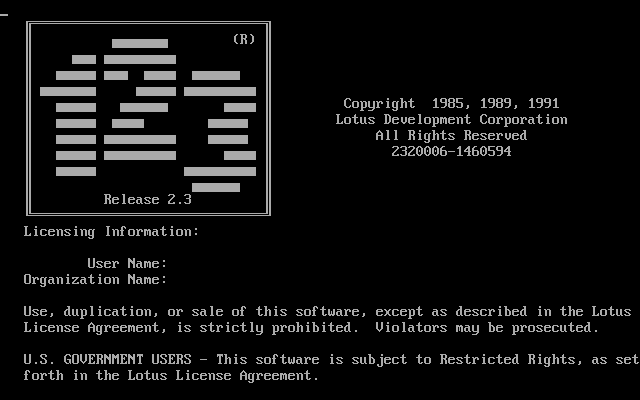
However, each generation has added capabilities. Lotus 1–2–3 evolved the syntax a bit. Two dots replaced the three in range references (so now B2..B10). Obviously, it also came with new functions etc.
Microsoft probably learned a lesson from their relatively unsuccessful rival to Lotus 1–2–3 — Multiplan — which tried to introduce significantly different syntax, including the R1C1 reference style instead of A1.

R1C1 syntax (row number, column number respectively) actually has some merits, especially for relative references. But its inferior legibility and users’ familiarity with the A1 syntax prevented it from taking off.
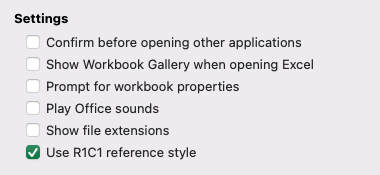 It is possible even to this date to set Excel to use R1C1 reference style. I’ve yet to meet anyone that uses it except in VBA scripts.
So, when releasing Excel, Microsoft ensured backwards compatibility (and familiarity) with Lotus 1–2–3. However, they evolved the syntax. Excel introduced the = to signify a formula.
And — with less constraints on memory — defaulted to longer and more legible function names (such as AVERAGE instead of AVG).
You will still find remnants of these in today’s Excel. Start a cell entry with a + and Excel will silently replace it with a =, type =AVG(1,2,3)and Excel will offer to “correct it” to =AVERAGE(1,2,3) 😏

But the buck stopped here. Excel became so dominant, and PCs in general so ubiquitous in Excel’s prime years, that when Google Sheets came around, they stuck to the Excel formula syntax to the letter.
Sure enough, Google added some custom functions and features, but they go to great lengths to ensure that the syntax, and even some of the idiosyncrasies of Excel’s formulas work exactly the same way in GSheets as they to in Excel. BTW: We also chase Excel’s quirks at GRID when running our spreadsheet engine in Excel-compatibility mode (currently the only mode available to users).
And this is why the language we use to write our spreadsheet formulas today should rightfully be called “Excel formula language”. It was introduced by Excel, has been imitated by others since and will for the foreseeable future.
However, the power of the world’s most used programming environment doesn’t lie in the syntax, but in the 2D-grid of the sheet. But that’s another story…
—
Hjalmar Gislason is the founder and CEO of GRID. If you’re interested in spreadsheets, their evolution and the future of how modern teams will work with numbers and calculations make sure you take a look at GRID.