We’ve spent more than a decade moving our workflows and content into apps and the cloud. Your documents lived in Google Docs, your notes in Notion, your photos in some library you don’t even have a path to. A local folder full of files felt like a relic of the floppy-disk era.
But the file is back - with a vengeance - because when you work with Claude Code, Cowork, Copilot, or whatever you’re running, where does the work happen? Not in a chat bubble. It happens in a folder on your machine. Your agent reads files, writes files, refactors files, generates files all day long. The local folder has become the shared workspace where humans and machines do work together.
I’ve been circling this idea for a while. A year and a half ago I argued that LLMs were becoming the interface to everything, and that the future was a hybrid of AI and UI - not chat replacing interfaces, but the two working as one. The AI does the heavy lifting; you keep your eyes and hands on the work and jump in to make edits by hand.
Those of us already working with agents, probably know the feeling. The moment you want to look at one of the files the AI is working on - or worse, make a small change yourself - you fall out of the flow. One app for the spreadsheet, another for the image, a third for the PDF, a fourth for the document. And if I ask the AI to make the tiny change for me - “put a period after the first sentence” - I’m using a blowtorch to light a cigar. Powerful, sure. The right tool? Not even close.

I was fairly sure the frontier labs would have built something like this in by now, but they haven’t, so I decided to make my own. I call it CowCo (short for Cowork Companion).
CowCo is an everything editor. You point it at a folder and it gives every file a viewer and an editor, right in your browser - text, markdown, documents, spreadsheets, images, PDFs, audio, code, and more, all in one friendly place. It currently has 18 built-in editors and viewers that cover 136 file types.
The file you’re looking at stays fresh as your agent edits it on disk, so you’re always seeing the current truth, never a stale copy. Think of it as Quick Look that can also edit, and never goes stale.
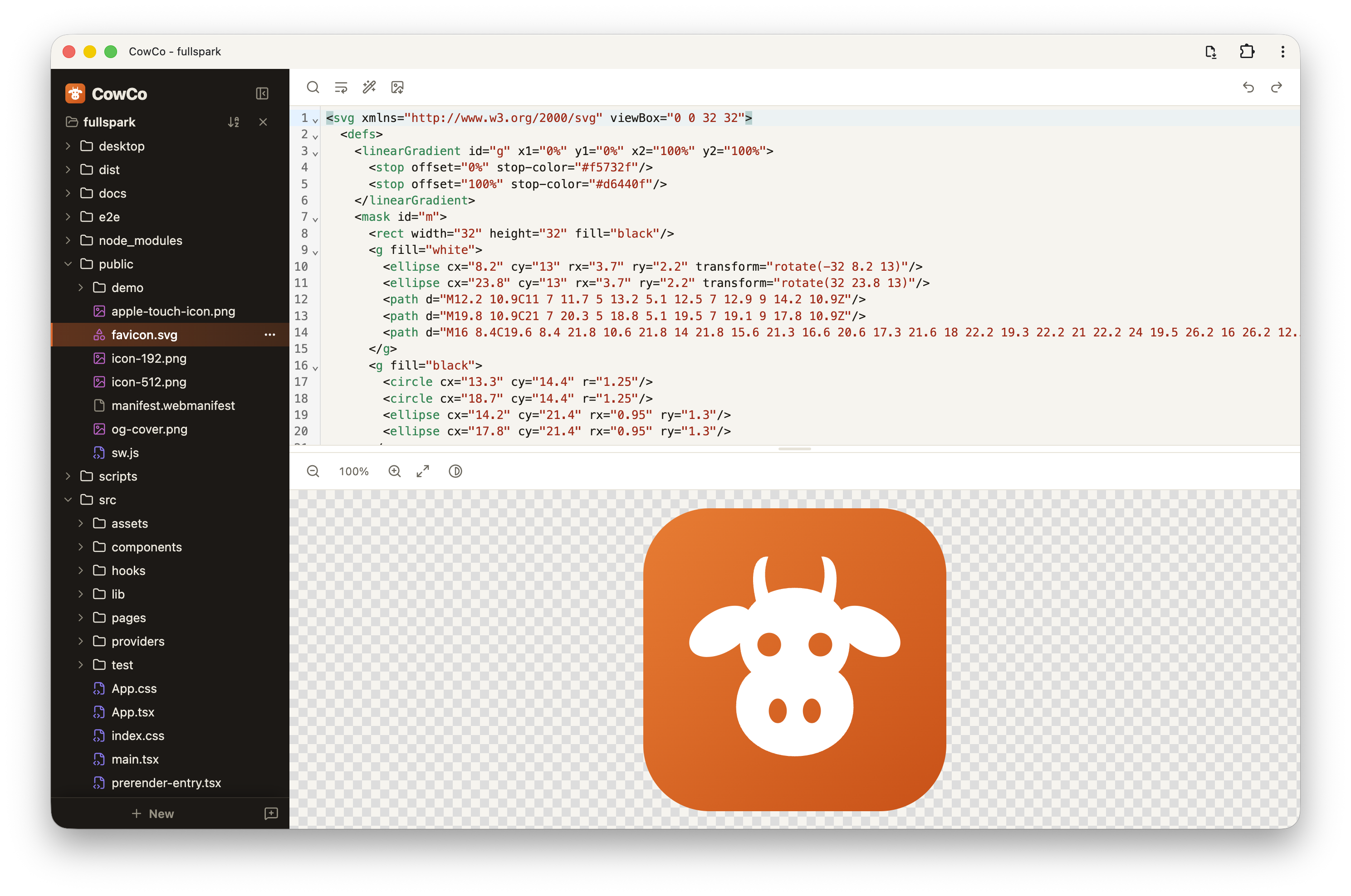
CowCo is not an AI solution. No agent, no chat, no model. It is deliberately the human half of the workflow - the Cowork Companion to whatever AI you already run. Your AI solution already has your context and your history, and the frontier labs are pouring effort into making it better at working on files on its own. That’s a race I have nothing to add to.
CowCo is fully local: your files never leave your machine, there’s no account, and it’s free. It does one job and tries to do it well: give you a fast, friendly place to be the human in the loop.
I’ve been using it all day, every day, for weeks. It has become the thing I reach for the instant I want to touch the work my agents are doing. And the reception from the people I’ve shown it to tells me I’m not the only one finding it useful.
We’ve spent years abstracting the file away, but AI brought it right back to the center - because a folder of files turns out to be the perfect neutral ground for a human and a machine to collaborate on. It’s open, inspectable, portable, and owned by you. The agents got smart enough to use it. Now we just need good human tools for that shared space. That is the return of the file, and it deserves better than a scatter of single-purpose apps.
CowCo is my small contribution to that. It’s live at cowco.app, it’s free, and it runs entirely in your browser (Chrome only, and I genuinely recommend installing it as an app).
No bull. Give it a spin and tell me what you think.
🐮